DigitPro
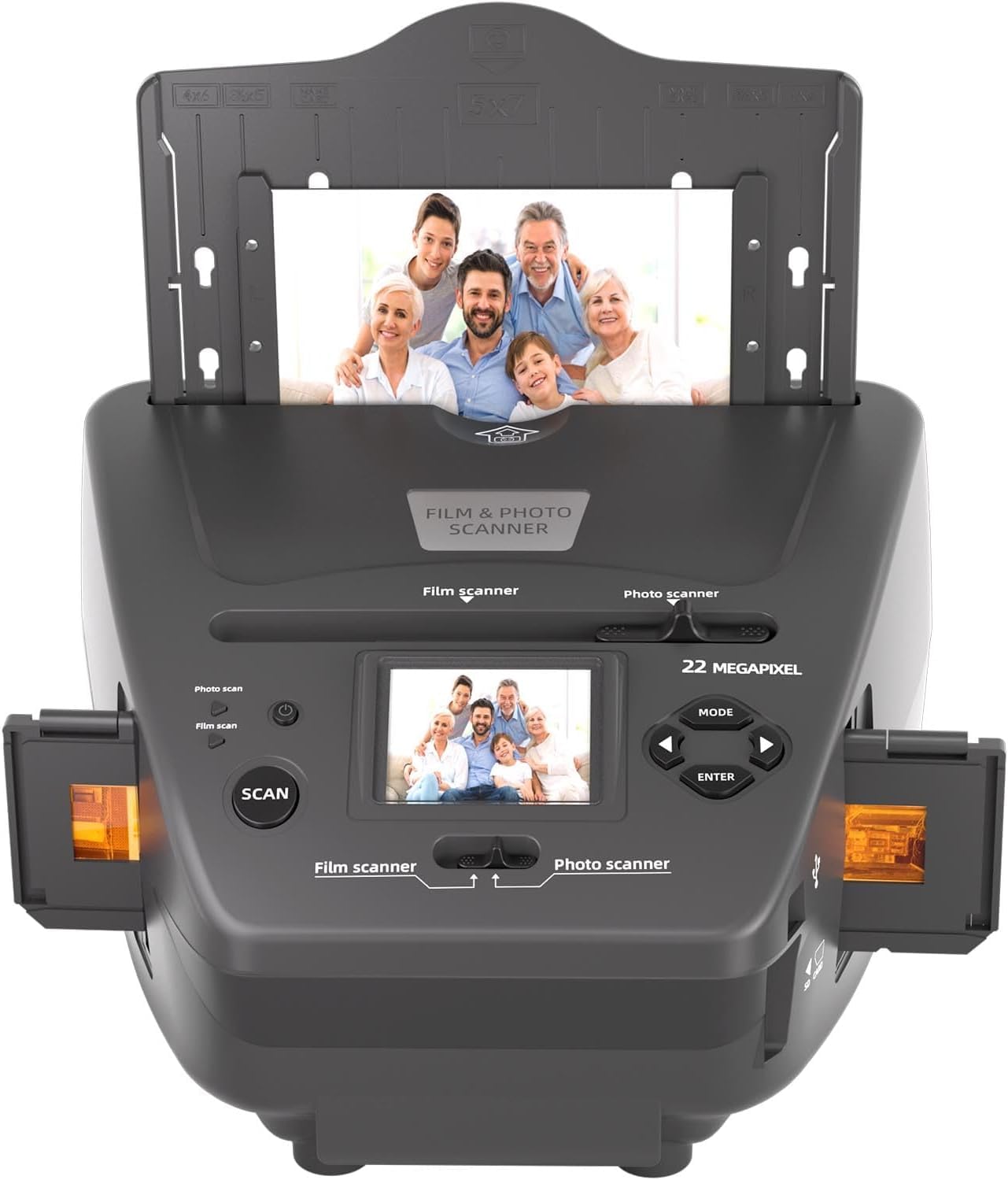
Film & Photo Scanner with 2.4 LCD Screen, Converts 35mm/135 Slides & Negatives Film, Photo, Business Card to Digital Images, 4GB
Film & Photo Scanner with 2.4 LCD Screen, Converts 35mm/135 Slides & Negatives Film, Photo, Business Card to Digital Images, 4GB
Couldn't load pickup availability
Easy to use The film & photo scanner has 128M built-in memory for recording when there is a memory card inserted. Theres no need for a computer when you can edit brightness, rotation and more directly on the all-in-one film scanner. Save photos directly on SD card. An integrated 2.4 liquid crystal display enables you to instantly view your scanned photos directly on the photo and film scanner. Easy File Transfer Once youve scanned a film, photos can be saved into SD card (included - 4G), no need for computer or software. To transfer the digitized photos, simply plug the USB connection cable into any USB port on your PC or Mac and put the scanner in USB transfer mode. Then you can view the photos on your PC or Mac. It also has a USB power adapter. Note: The negative scanner has a built-in memory for recording when there is a memory card inserted, it will be the top priority for saving data. Tips: Please note a few things 1.If the screen shows a yellow ! The yellow exclamation mark of the product is an alarm, confirm whether the product is loaded into the SD card to use the alarm or not loaded SD card will also be alarmed. If the yellow exclamation mark appears when the SD card is loaded, check the capacity of the SD card or check whether the SD card meets the requirements (below 32G, FAT32 format, format before use); If you do not install the SD card will also have a yellow exclamation point of the following operations: the product is not installed SD card when connected to the computer via USB cable, the product is turned on and enter USB mode, to be recognized by the computer after the product disk partition to clean up the partition or format partition (note that the partition format should be FAT32), clean up after the completion of the restart of the product to try to restore the product back to normal, the product is restored to normal to work with the use of the SD card! 2. Please follow the instructions to use the holder to adjust the corresponding photo size, only support photo size (3x5 inches, 4x6 inches, 5x7 inches), standard business card size. Do not use other sizes to prevent photos from falling into the product. 3. If there is a shadow in the middle of the scanned photo, it is mainly caused by reflections on the surface of the photo, the solution is to put a layer of transparent frosted sticker on the surface of the photo and scan it again.
Share